What Is New in syn v3
syn Linkage Designer v3 adds AI assistants, a faster and more accurate optimizer, full bike outlines with drivetrain and dropper post checks, and new CAD plugins.
AI Assistants
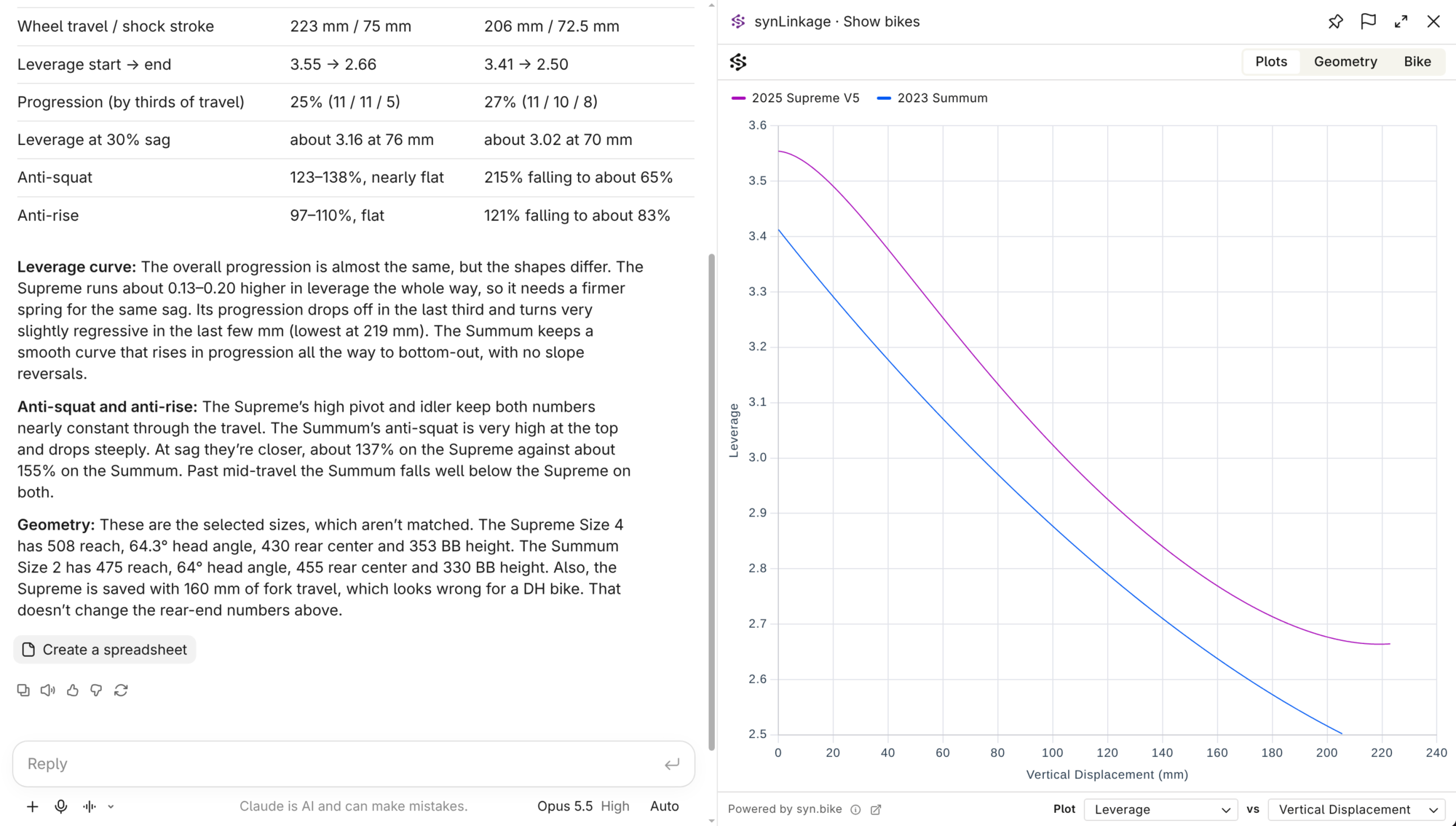
Agent Access connects an AI app such as Claude or ChatGPT to syn over MCP, so it can open bikes, move pivots, compare kinematics and fit a linkage to a reference curve.
See AI-Assisted Suspension Linkage Design.
Nothing to install
The MCP server is hosted at https://mcp.syn.bike, and you approve each AI app on a syn sign-in page.
In the app, beside you
The assistant works on the bikes you have open, and each edit is one undo step.
In a chat, with no app open
It works on copies of your saved bikes, and saves only when you ask.
syn's solver
Leverage, antisquat, antirise and axle path are solved by syn, not estimated by the AI model.
A Faster, More Accurate Optimizer
Faster
A study in the Optimizer returns in as little as 10 seconds, and about two minutes at the top of the Accuracy (Number of Iterations): slider.
Closer to the target
The start and end of the leverage curve are matched more closely, and results vary less from one run to the next.
Less movement
When layouts match about equally well, the study returns the one that moves your points less.
With an AI assistant
An assistant connected through Agent Access runs fit studies on the same solver, inside the limits you give it.
On the free plan
The free plan includes up to 60 studies each calendar month, and a paid plan has no limit.
Outlines, Drivetrain and Dropper Posts
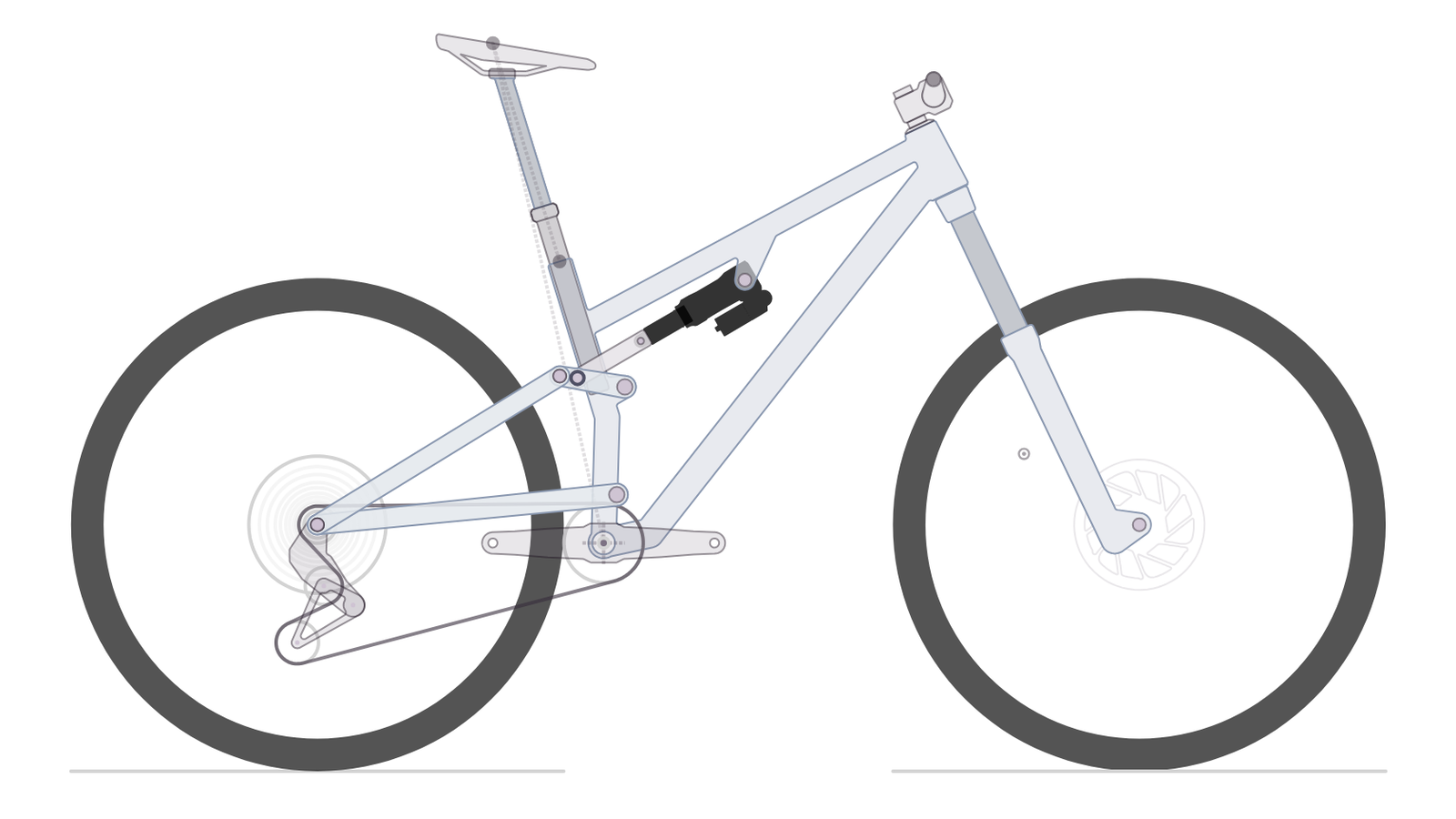
Outlines are now supported to get you closer to CAD ready while kinematics are still being developed. Check clearances, review pivot sizes, and see how real droppers interface with your frame.
Drivetrain checks use OEM specifications and kinematic derailleur models to give you instant feedback on potential drivetrain issues without the usual time-consuming CAD checks. Antisquat sweeps across the gear range are also now supported.
Outlines
The Outlines tab sets the shock model and tube sizes, and you bend the tubes directly on the plot.
Drivetrain
syn sizes the chain and draws it with the derailleur through the travel; see Drivetrain.
Antisquat sweep
The antisquat chart shows the whole cassette as a shaded band, with the active gear as a dashed line; see Drivetrain in the Charts.
Dropper Posts
syn checks the post's insertion and saddle height on each frame size; see Dropper Posts.
CAD Plugins
CAD Sync now covers Onshape and Autodesk Fusion alongside SolidWorks, and the SolidWorks add-in is easier to use.
Onshape
syn runs as a panel inside your Onshape document and syncs your bike into the document's variables; see Onshape Setup.
Autodesk Fusion
The new Autodesk Fusion Add-in runs on Windows and macOS and offers each new version when Fusion starts.
SolidWorks
The SolidWorks Add-in installs from an .msi and offers each update inside SolidWorks.
Draw Linkage Points
In all three, Draw Linkage Points sketches your bike's linkage points for you, dimensioned from the synced variables.
Also New
Geometry import
Paste a product page address or a geometry table screenshot into Create New Bike to fill in the geometry; see Loading and Saving.
Share links
Copy Share Link publishes a read-only bike anyone can open, and Copy Embed Code copies the code to embed the bike in a web page.
Linkage X3 files
syn opens Linkage X3 .ltx files as bikes you can edit; see Importing From Linkage X3.
DAQ page
The DAQ page plots a synDAQ recording, GPS route included, without uploading the file.
Desktop App
The Desktop App signs you in through your browser and never asks for your password.
Link colors
Turn on Show Colors in the Bike view to draw each link in its own color; see Outlines.
Get Started
Open the app, or install the desktop app from Downloads. syn is free for non-commercial use; see Pricing. The Changelog lists every release.