More Data.
Better Bikes.
Design and analyse bike suspension in one place. Combine linkages, geometry, and spring setup to see exactly what the rider feels.
Geometry Layout
Quickly layout and compare bike geometries. Instant updates as linked values change and new measures for assessing complete bike fit.
Linkage Synthesis
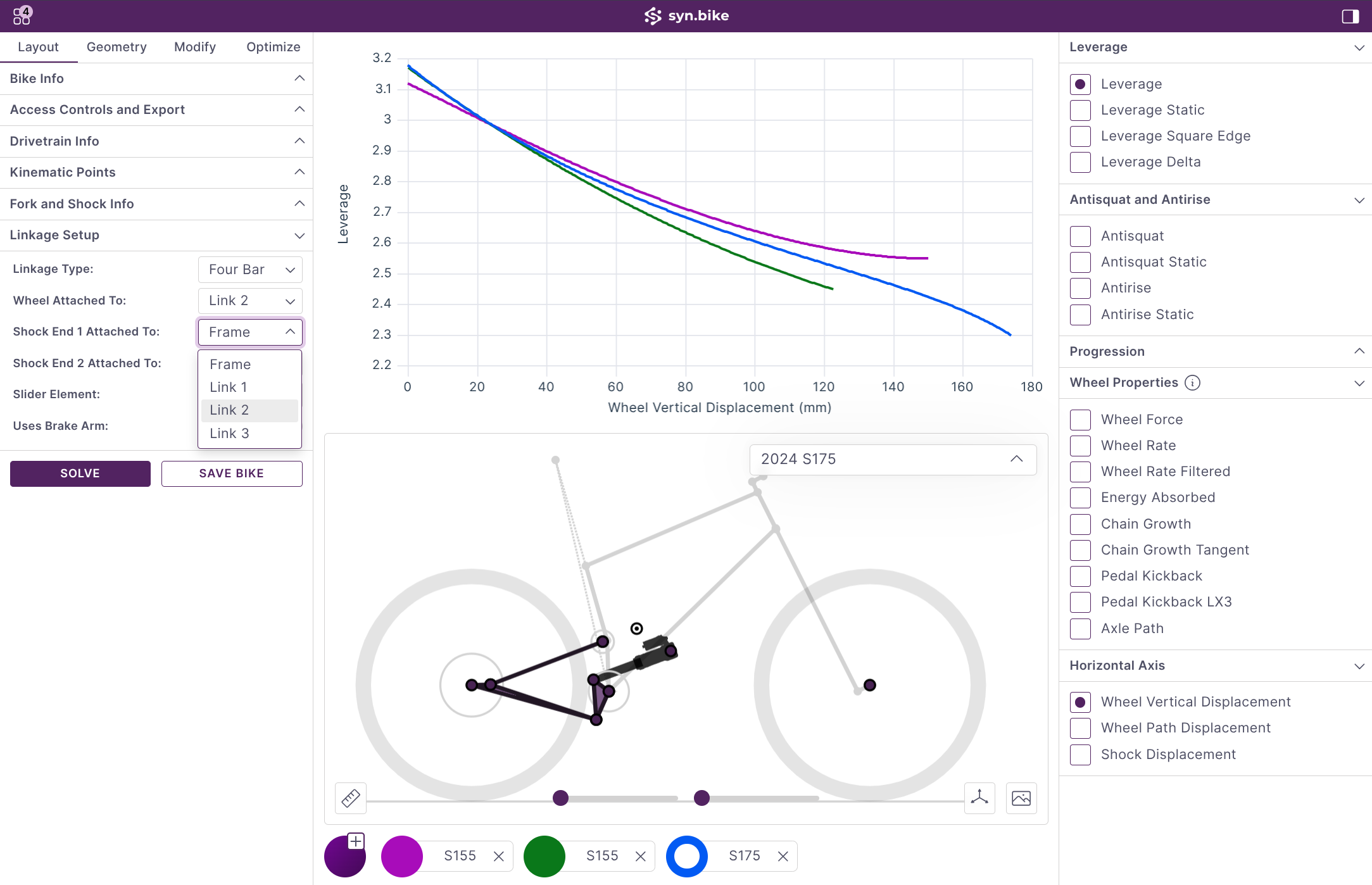
Create complex linkages with a simple connection based interface. A force-based solving engine gives accurate forces at every point, with no geometric approximations.
Spring Setup
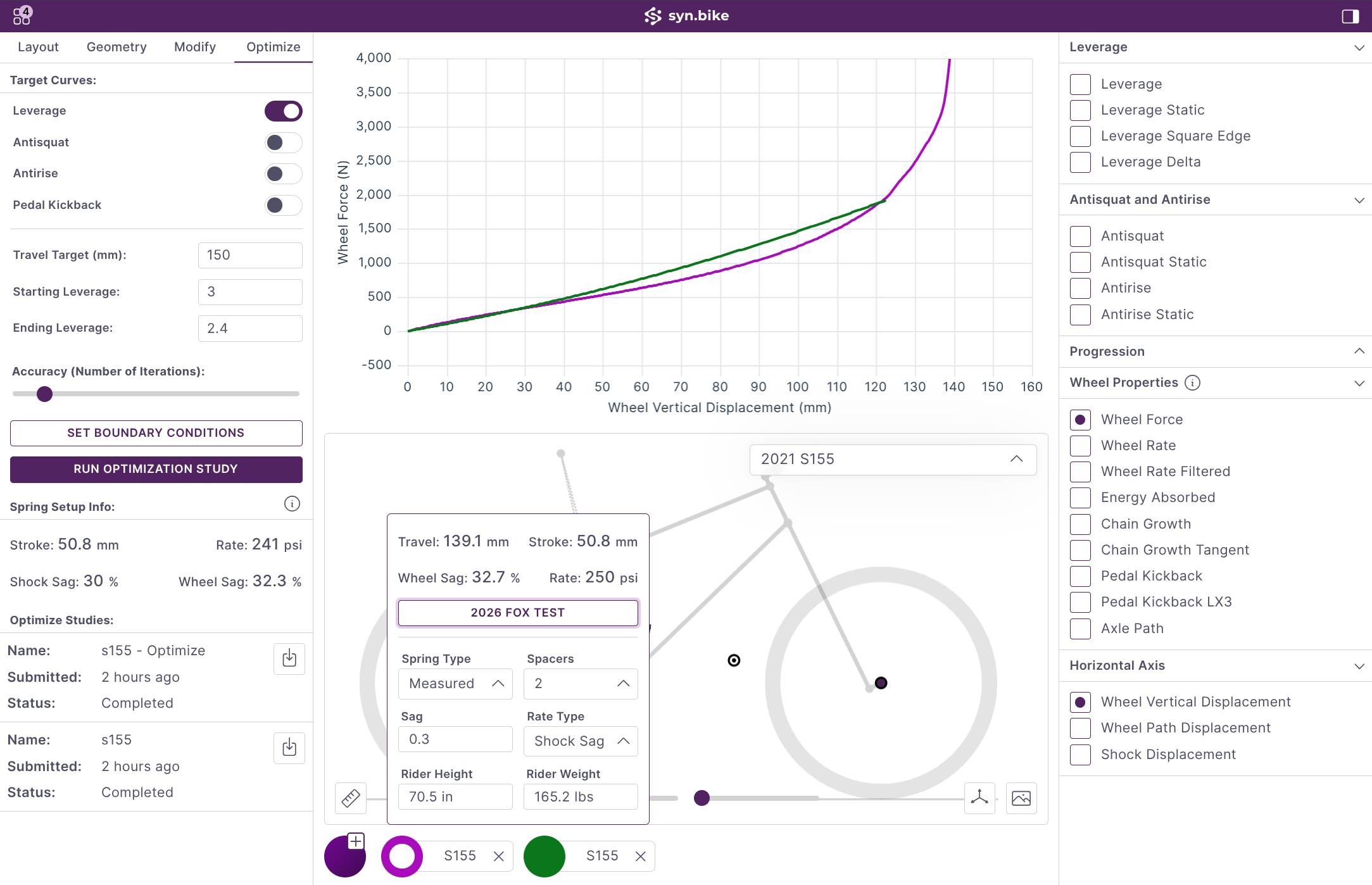
Stop looking at just leverage. Load springs, configure your setup, and use defined metrics to evaluate real-world performance.
Powerful Engineering Tools.
Start From Any Bike.
Import a geometry chart from a manufacturer's product page or a screenshot, open a Linkage X3 file, or trace a linkage over a photo. Layout templates give you a linkage that solves from the first click.
Read the DocsBetter Metrics.
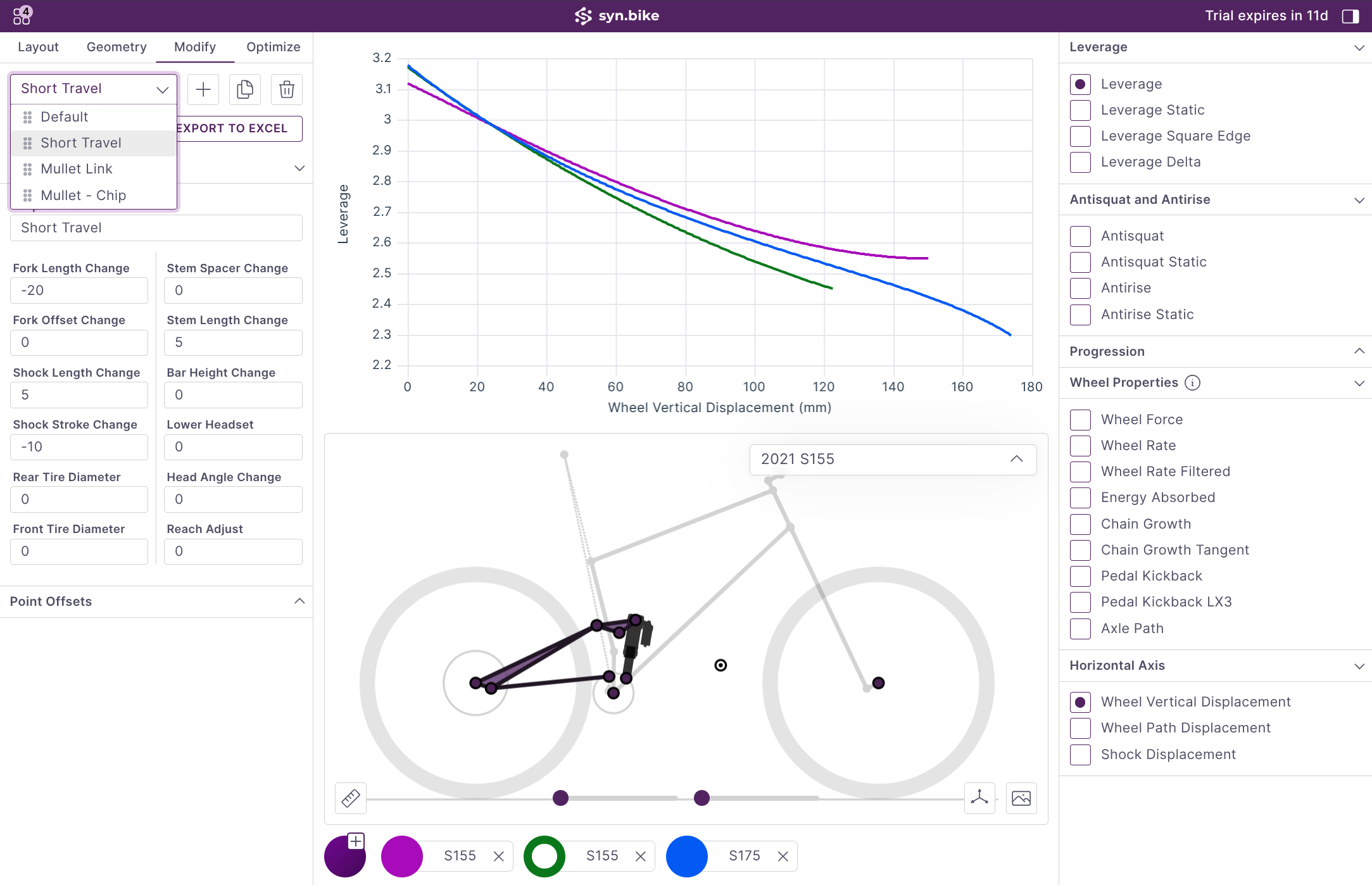
Every bike you load gets the full set of kinematic charts, from leverage ratio and antisquat to axle path and pedal kickback. Add a spring and you see wheel force and wheel rate too: what the rider feels, not just leverage. See how each one is calculated in Definitions.
Open up to 18 bikes to compare linkages, frame sizes, flip chip positions and versions.
Automate It.
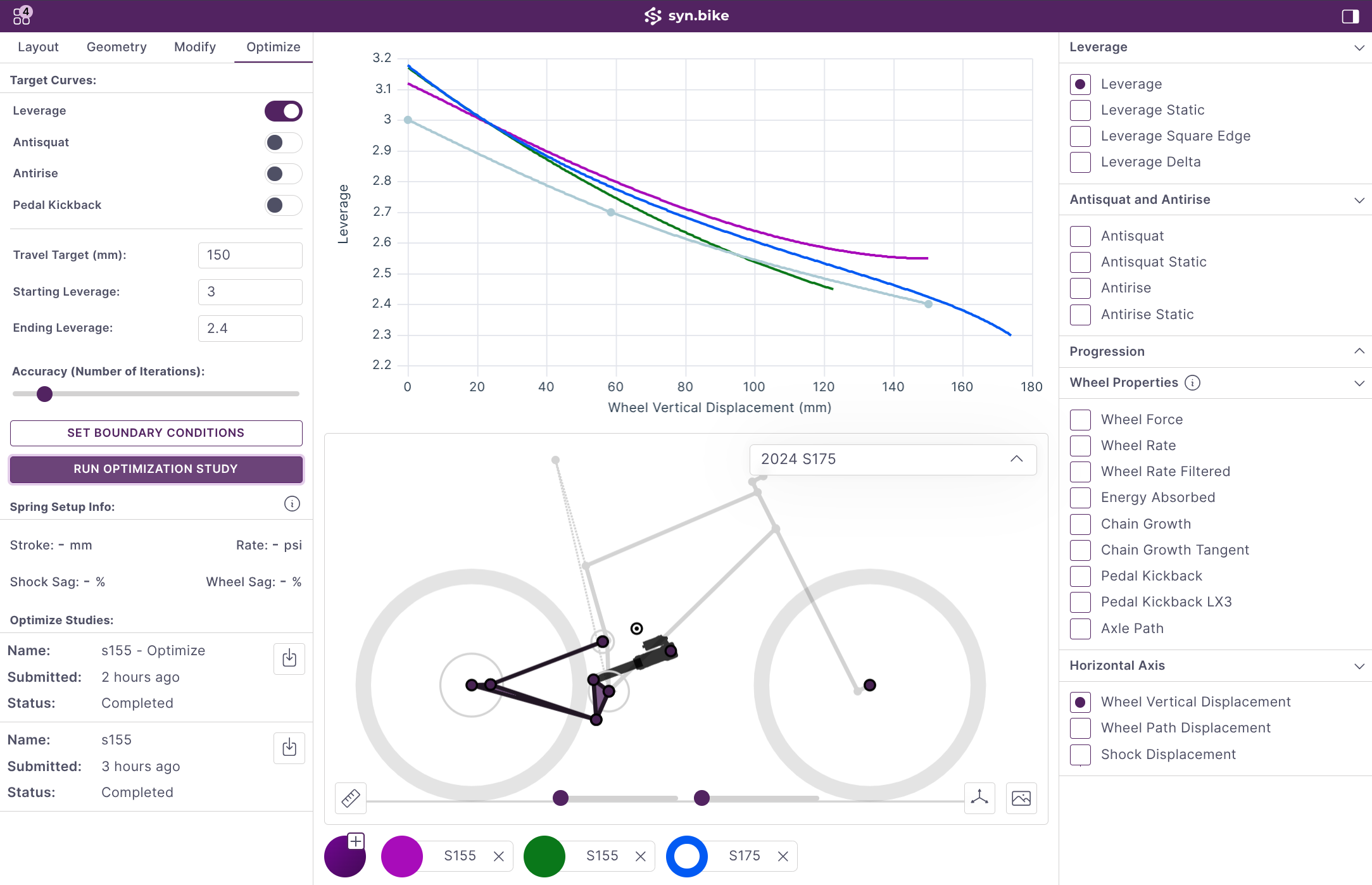
Optimization Studies
Draw the target curves you want, enter the limits on your point positions and press play. Studies run on cloud computing clusters without slowing down your local machine, and each one can return several layouts that meet your targets.
AI Assistants
Connect Claude or ChatGPT to syn over MCP (Model Context Protocol) and ask it to open bikes, move pivots, compare kinematics and search for a layout that matches a target curve. You see every change as it is made, and each edit is one undo step. See AI-Assisted Linkage Design.
Keep Organized.
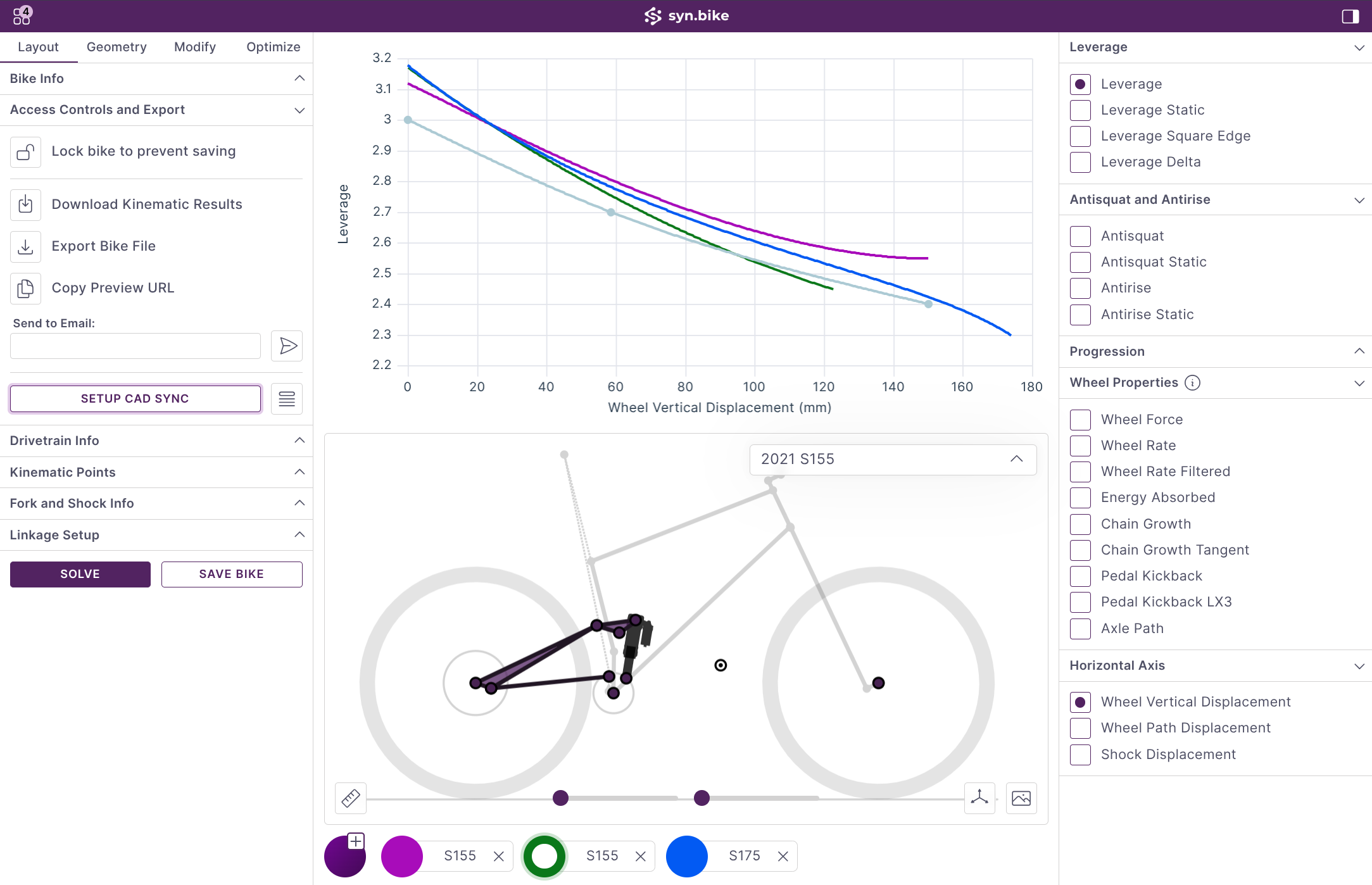
Data management built for engineering teams. Every bike is saved by brand, model year, model name and version, privately or shared with your team.
Lock a released bike so nobody can overwrite it. Check a team bike out while you work on it: your teammates see who has it and cannot save over your changes until you check it back in. Viewer, Editor and Admin roles set who can load, save and delete.
Securely.
Your data is encrypted in transit with TLS 1.2 or higher and at rest with AES-256. Not happy online? Work with local files easily using our desktop app for Windows and Mac. Use the same easy interface with native file system integration.
Common Questions.
What is syn?
syn Linkage Designer is software for designing and analysing mountain bike (MTB) suspension linkages, frame geometry and spring setups. It runs in a web browser and as a desktop app. Its force-based solver works out the forces at every point with no geometric approximations, so results hold for any linkage, including idlers on links and floating bottom brackets.
Is there a free version?
Yes. syn is free for non-commercial use, with every feature and up to 60 optimizer studies a month. Professional licenses commercial use and has no study limit, with a 30-day free trial. See Pricing.
Does it run on a Mac?
Yes. syn runs in a web browser, and the desktop app is available for Windows and for Macs with Apple Silicon.
Can I open Linkage X3 files?
Yes. syn opens Linkage X3 .ltx files as bikes you can edit and save, with the pivots, shock mounts, frame geometry and drivetrain carried over. See how syn compares with Linkage X3 and CAD.
Which CAD packages does it sync with?
Onshape, SolidWorks and Autodesk Fusion. CAD sync writes the geometry and linkage points into your model as named variables.
Which linkage types does it solve?
Single pivot, four-bar and six-bar layouts, including Horst-link, split pivot, short-link and linkage-driven single pivot designs, with sliding joints, floating shocks, idlers and floating brake arms.
Not sure? Let's talk.
Get a personalized walkthrough of syn's tools for your team.