Introduction
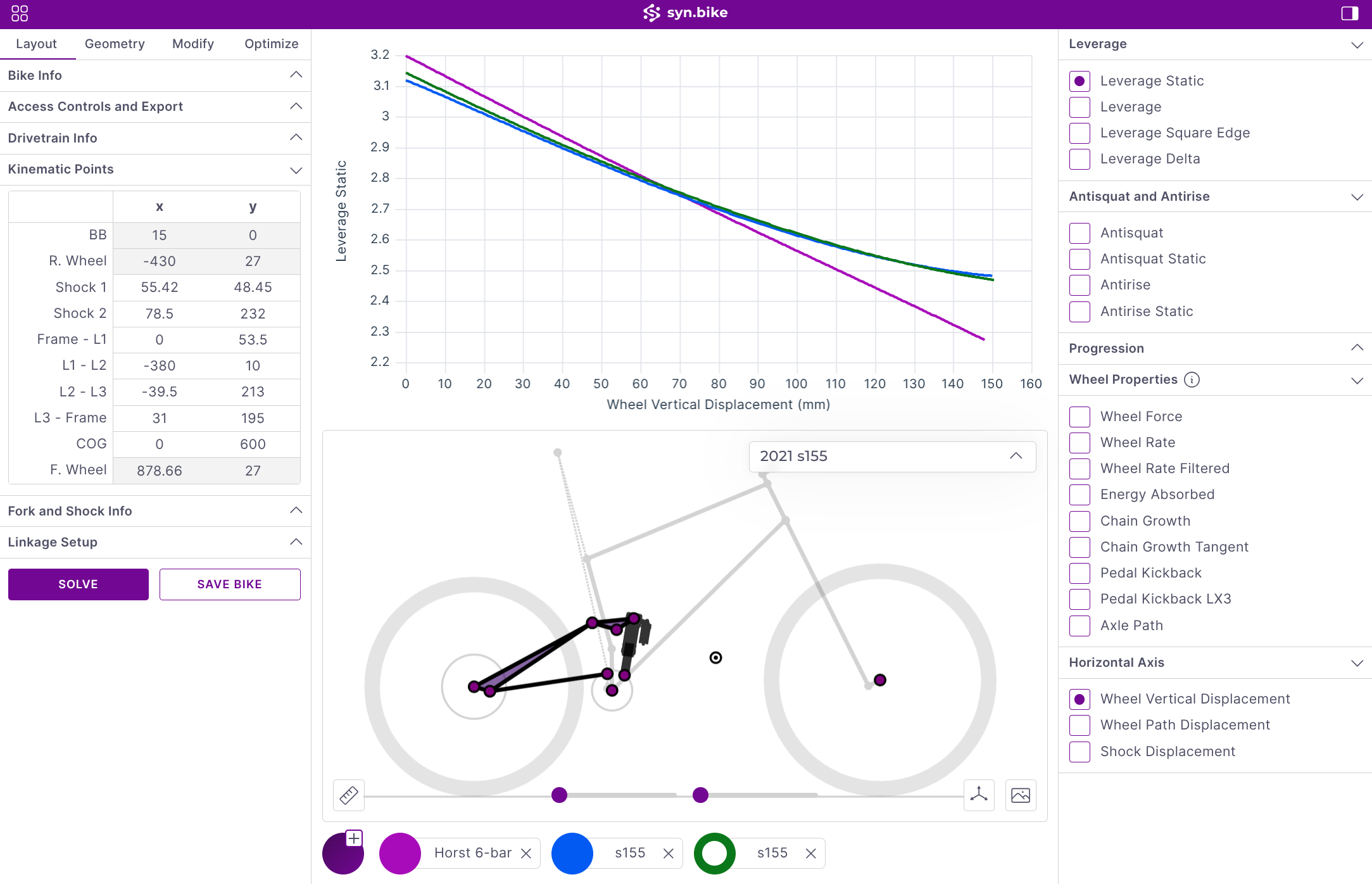
Advanced tools for deep analysis and optimization of linkages.
Quickstart
Load a bike, adjust parameters, and view results in minutes
Creating Linkages
Set up geometry, configure linkage types, and position points
Flip Chips & Modifiers
Configure adjustable geometry and compare configurations
Optimizer
Automatically find point positions matching target curves
To begin, load one of the templates from the Public database. There are three database locations for files:
- Public: Base templates for different suspension layouts
- Private: User-defined models and examples
- Team: Shared storage for organizations. Offers advanced access controls
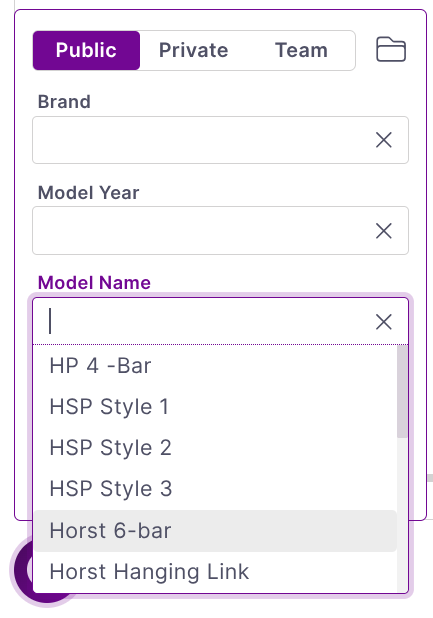
Local file loading and saving is also supported.
Once a model is loaded, you can edit point positions, view kinematic plots, load spring data (simulated or real), and experiment with different modifier configurations to see how setup changes impact your results.