File Management
Viewing Files
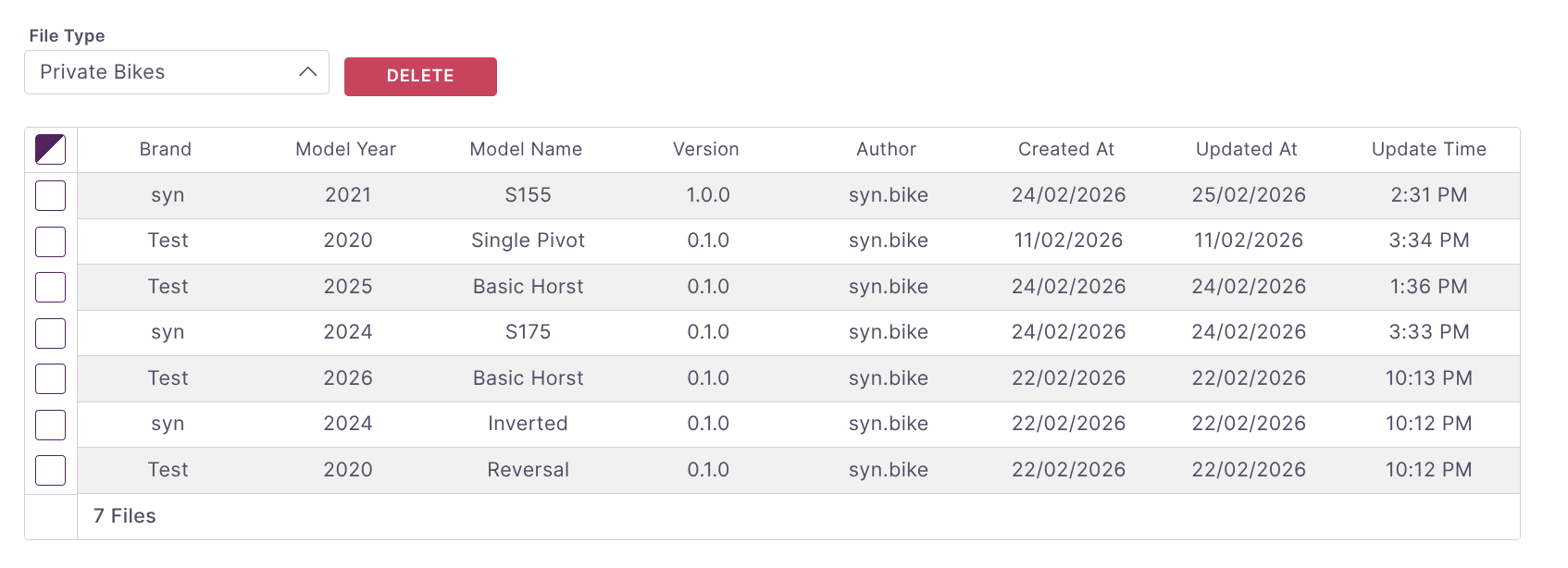
Files can be viewed, sorted, and deleted from the File Management dashboard. From the navigation menu select Files. You can select between the databases available. Columns can be sorted and multiple files can be selected to handle bulk operations.
Deleting Files
To delete files select the relevant line items using the checkboxes in the first column. Once all the files are selected press the Delete button and confirm your selections.
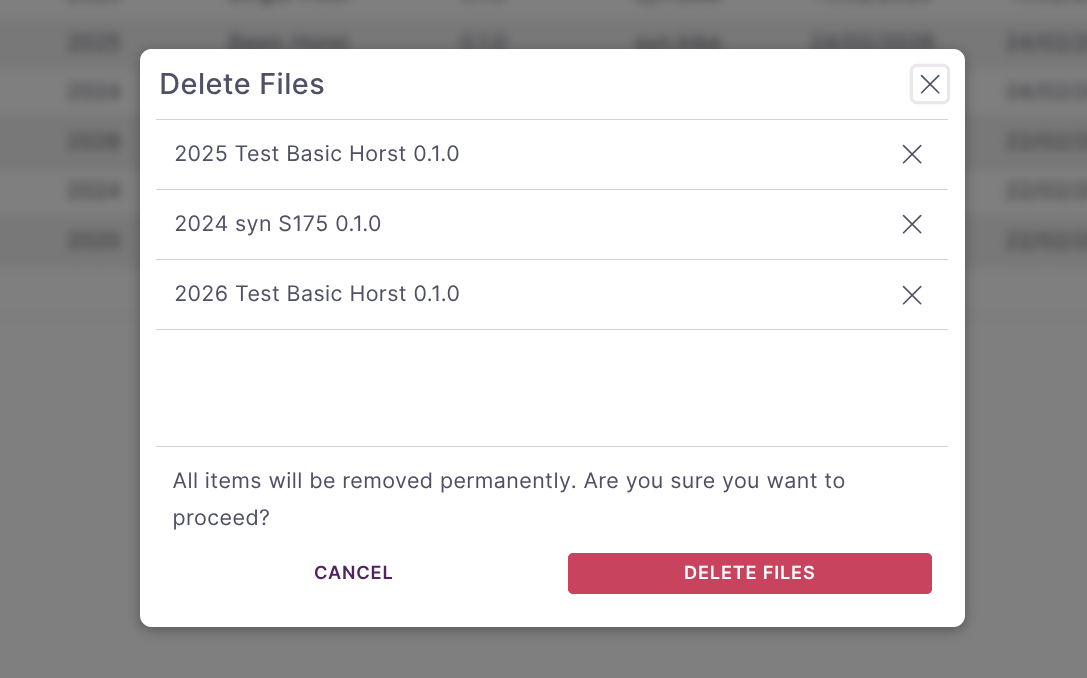
Warning: Use caution, deleted files are NOT recoverable.
Sharing Files
Files can be shared in several ways. The simplest is to enter the email of any platform user and press send. This will send a one-time copy of the file to any platform user who has sharing enabled. That user can save the file to their own database if desired.
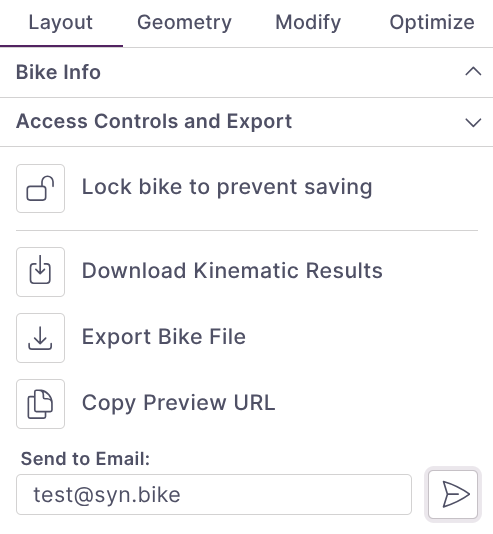
Alternatively, files can be directly exported and then imported by another user.
Preview Links
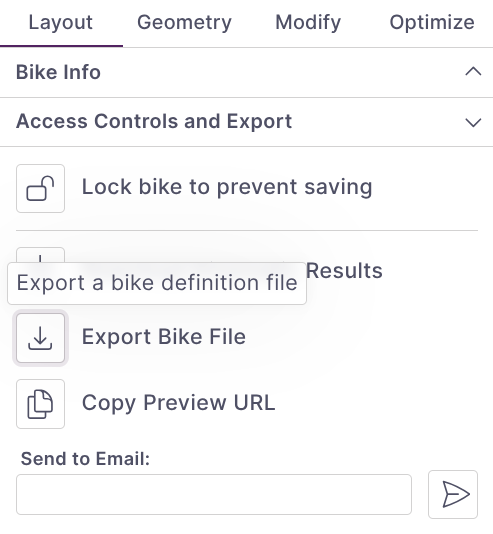
You can also share a read-only preview of your bike using a preview link. From the Access Controls and Export section in the Layout tab, click Copy Preview URL to copy a shareable link to your clipboard.
Anyone with the link can view the bike in a read-only preview mode without needing a platform account. This is useful for sharing designs with clients, collaborators, or on forums and social media. The preview includes the full bike visualization and kinematic data but does not allow editing.